Understanding user roles
Owner of organization: The user who creates the organization. This person has full control over inviting others and can request the deletion of the organization.
Note: This role cannot be transferred or changed.
Admin: Admins can manage billing, add/remove users, enable SSO, and access the Trust Center. There can be multiple admins within an organization.
Member: Standard user without administrative permissions. By default members can invite other people, and an admin can grant them further permissions. See Enterprise roles and permissions.
Billing Admin: Not an admin but can manage payments through the Stripe portal in the settings page.
Inviting team members
Admins have two ways to invite new users to the organization: directly via email or by generating a shareable link.
Important: Members can invite people by default. A member’s invitation can add a seat and increase your recurring charge without showing them a purchase confirmation. To turn this off, disable the member invitation permission on the Members screen.
Removing members and changing someone’s tier are admin permissions by default. An admin can grant either one to the Member role or to a custom role, so check your own role settings rather than assuming the defaults still apply.
How to invite someone via the admin portal
Invite via email
Visit this page found in your settings that reads Members under your Organization. Enter the user’s email in the “Invite new members” field and choose Enterprise Pro or Enterprise Max. If no seat is available in that tier, you are asked to confirm the seats the invitation needs before it is sent.
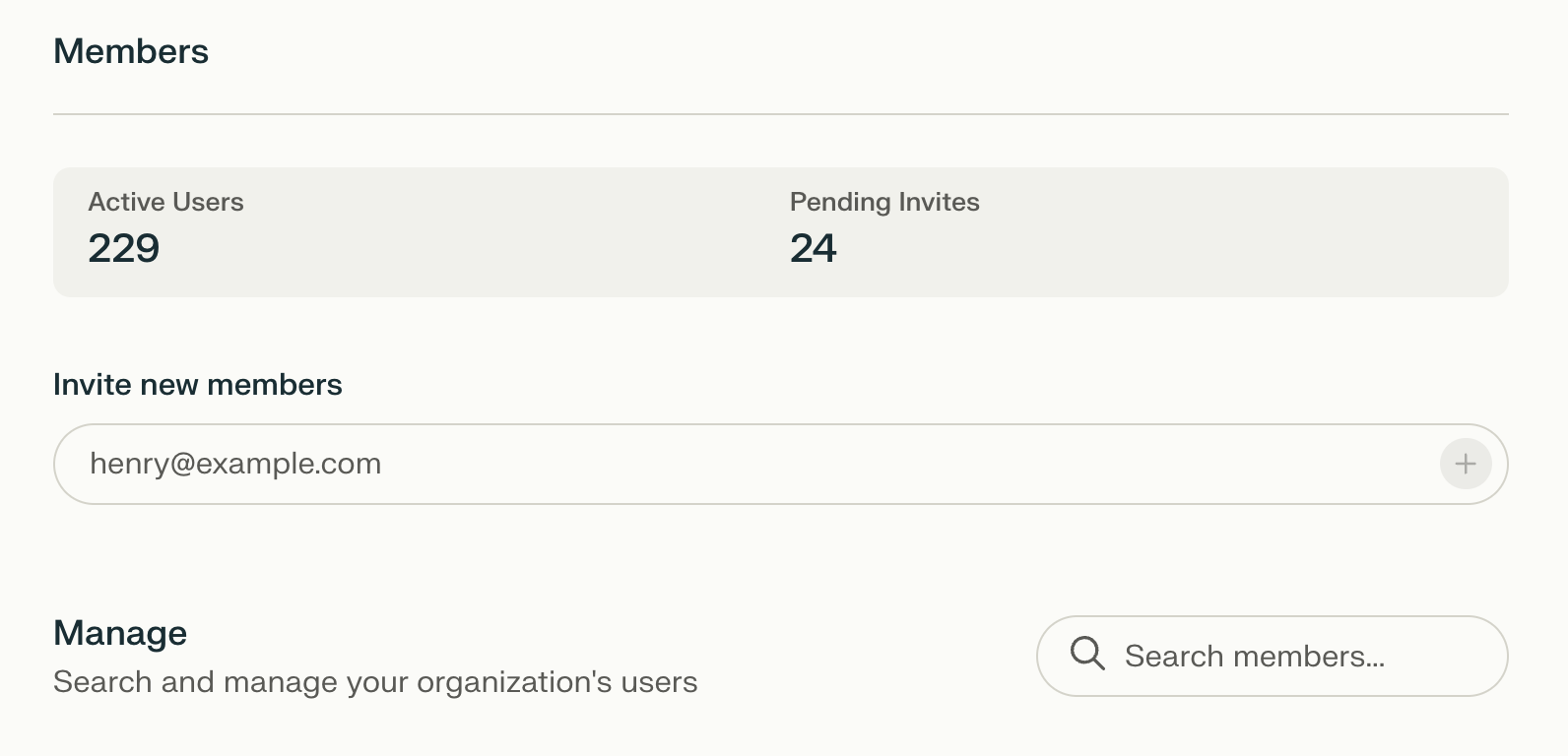
2. The user will show as Invited. Their invitation holds a seat for that whole time. Once they accept the invite from their email inbox, their status changes to Member.

Invite link
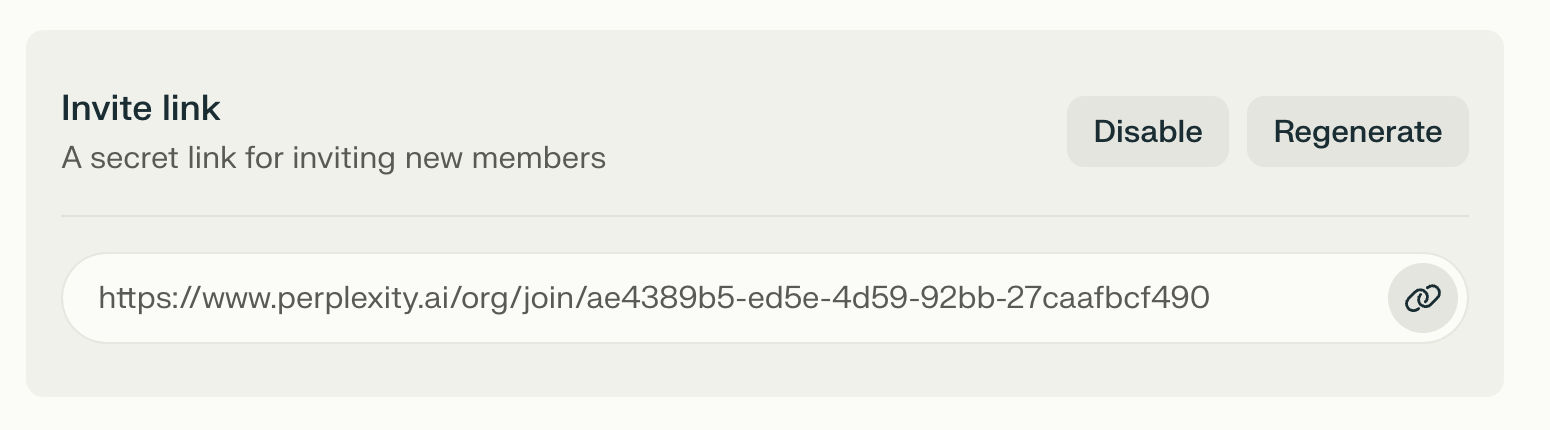
Alternatively, you can generate a link to invite users. Anyone who joins through the link is added to your organization, and any seat they need is added automatically, which increases your recurring charge. This link can be regenerated or disabled as needed.